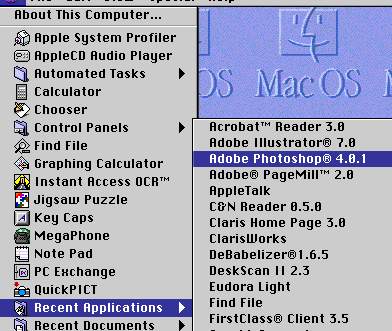
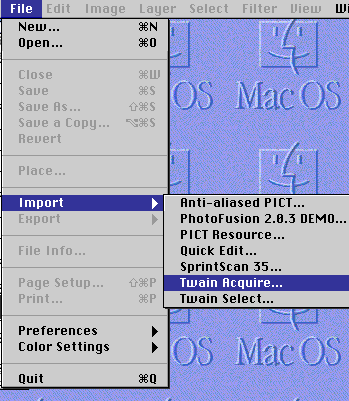
Place your photo to be scanned face down on the ScanJet IIc scanner. Once in Photoshop, go to the FILE menu, scroll down to IMPORT and then to TWAIN ACQUIRE
You'll see a dialog box like the following.
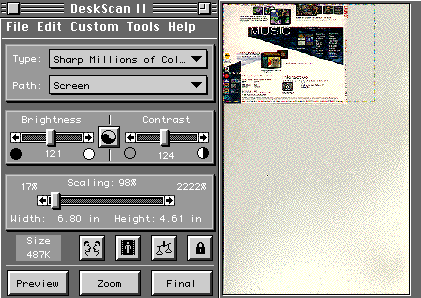
You'll want to use the mouse to "select" the area of the picture you would like to scan.
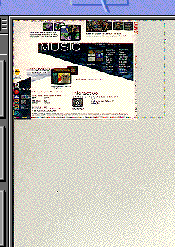
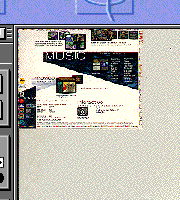
Now click the FINAL  Button.
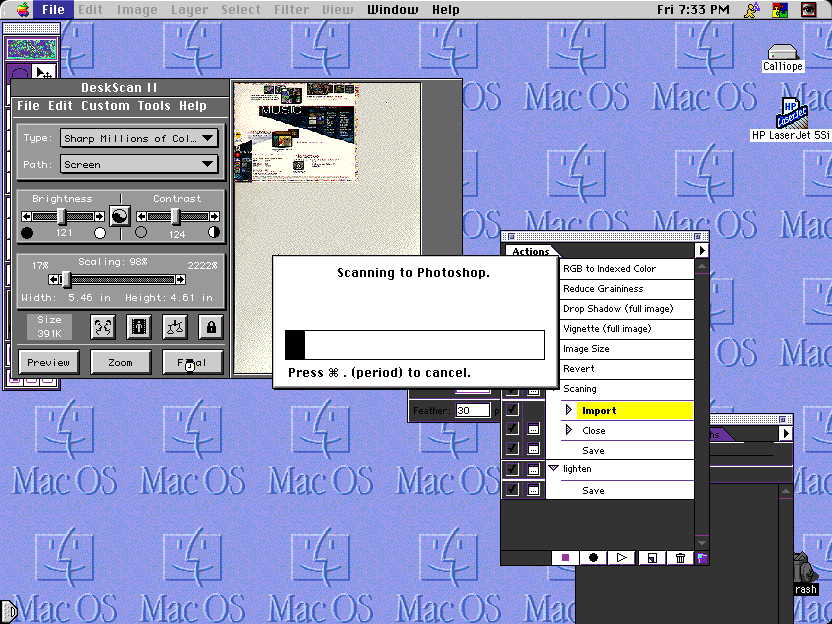
The scanning process will begin:
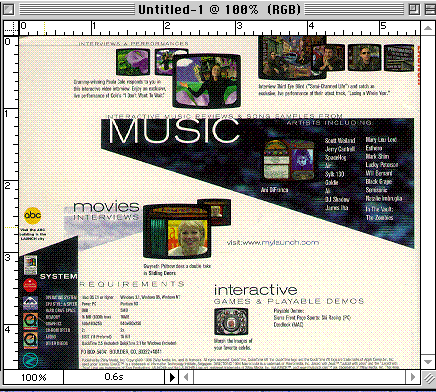
A full size image will appear that is now ready to save.
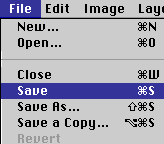
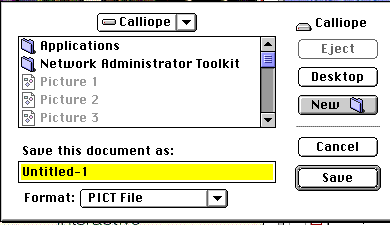
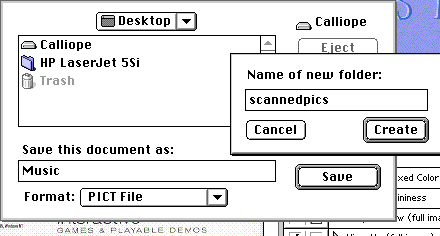
Give the pic a name and select a folder where you can put the picture.
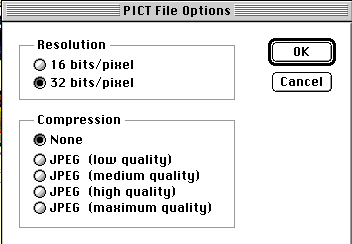
You'll be asked to select resolution and
compression. Select 32 bits and None. and then click OK  .
.
Happy Scanning!!!!